
Every friend you bring in counts toward your Founding Member badge.
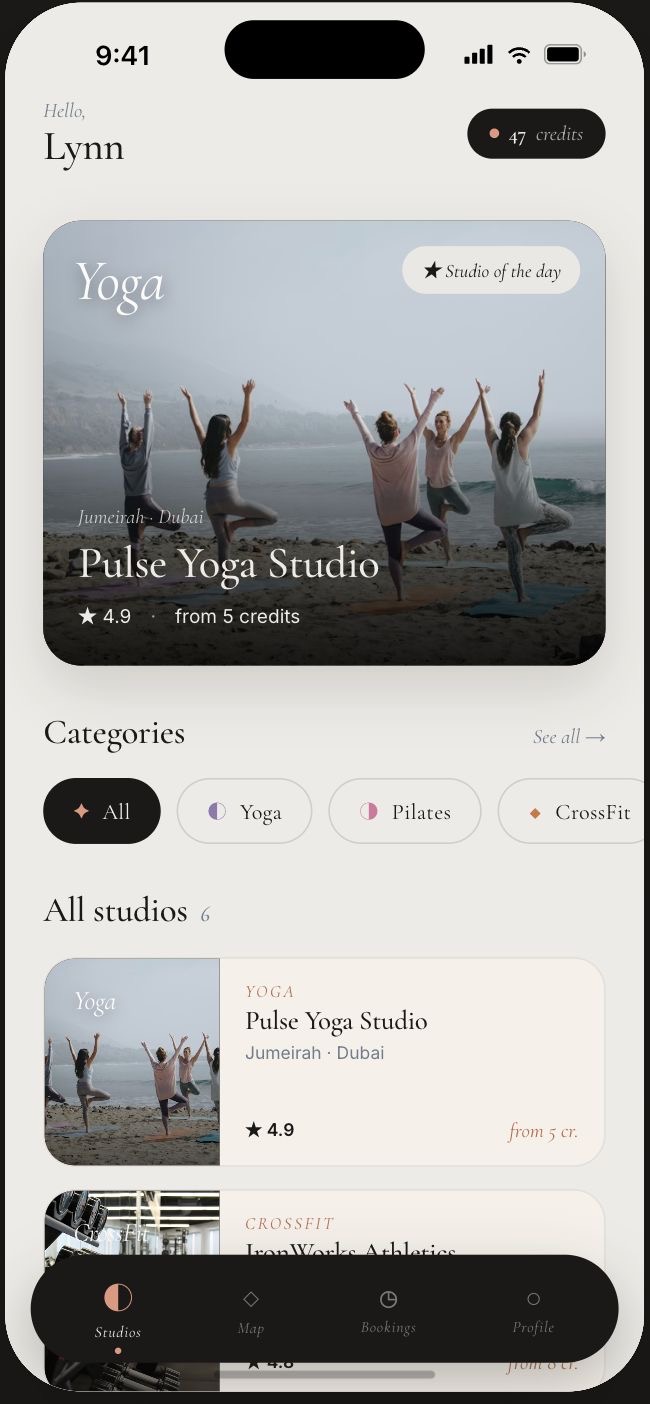
Open the Nabad app, tap the Profile tab in the lower right corner, and select Refer a friend. From there, share your invite with anyone in one tap.
Search for any class on Nabad and tap the Invite button, or use the invite link that appears once you reserve a spot.
Already booked but forgot to invite a friend? Tap Upcoming in the app to view your future classes and invite friends in one tap.
Every successful invite counts. The higher you go, the louder your status.